
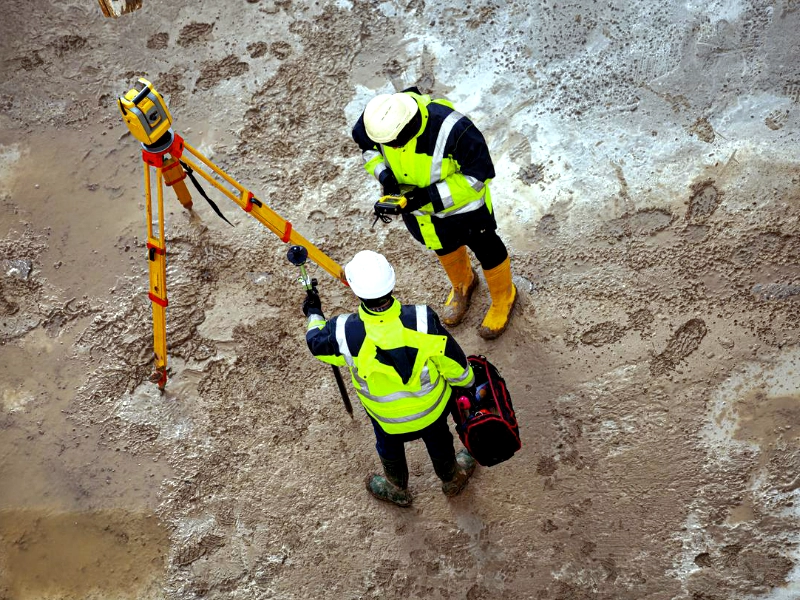
A topographical survey becomes unusable for design when the team cannot rely on the levels, surfaces, or coordination to make decisions. That usually shows up as missing interfaces (like thresholds and FFLs), ground modelling that smooths out real level changes, or a drawing that will not align with other project information. The impact is immediate, drainage falls, access gradients, and site layout stall, and design time gets wasted validating or reworking data. This guide sets out the quickest warning signs to check, the common root causes on UK projects, how to recover your programme without guessing, and how to brief the next survey so it is fit for design.
When a Topo Becomes Unusable for Design
A topo is “unusable” when designers cannot trust it to represent the ground and constraints that drive layout, access, and drainage decisions. On live UK projects, it tends to fail in a few predictable ways.
Design blockers that stop a project
The main blockers are straightforward. Levels may not reflect reality, for example kerbs, ramps or steps are shown as smooth slopes, so drainage falls, access gradients and threshold details cannot be designed. Interfaces can be missing, such as finished floor levels (FFLs) at entrances, thresholds, or a tie-in to adjacent highway levels. Coordination can also fail, where the topo will not overlay with the architect’s measured building drawings due to inconsistent control, datum, units, or poor CAD setup. Any one of these can stop progress on drainage runs, entrances, ramps, parking layouts, or service yard geometry.
Typical failure points on refurbishment and change-of-use sites
Refurbishment and change-of-use sites are rarely clean or open. Courtyards blocked by bins and parked cars often leave gaps in level coverage. Basement lightwells, service yards, and delivery ramps can be inaccessible on the day. Thresholds, steps, and cover levels around entrances are commonly under-captured. A frequent issue is missing tie-ins between external levels and internal FFLs, which leaves accessibility and waterproofing details unresolved until late in design.
What “design-grade” means in practice
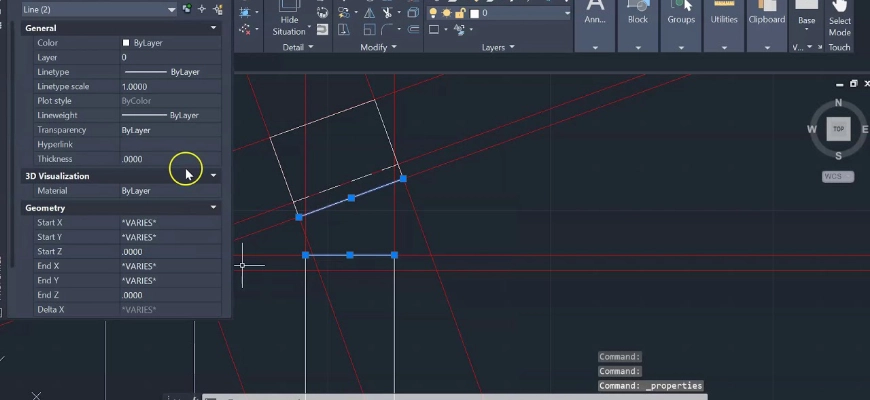
A design-grade topo is not just spot levels on a drawing. It should provide a coherent surface model, with levels and breaklines that correctly represent kerbs, edges, steps and ramps. It should capture the interfaces designers depend on, including thresholds and FFLs, cover levels to key manholes, and clear tie-ins to buildings and boundaries (as scoped). It also needs clear control and clean packaging, with a stated coordinate system and vertical datum, a control report, sensible layering, and consistent units that will drop into CAD or BIM without rework.
If you’re unsure what a topo includes, this primer on what a topographic survey is may help: https://survey2plan.co.uk/what-is-a-topographic-survey/
The Fastest Checks that Reveal a bad Topo
Before commissioning another survey, separate a true data problem from a packaging or coordination issue. A few checks will usually make that clear.
Levels and breaklines that do not model the site
Breaklines define changes in slope, such as kerb edges, retaining walls, and steps. The quickest test is to generate contours or a surface in your CAD or Civils environment and see whether it behaves as expected. Kerb lines should read as crisp edges, not a surface that “melts” over them. Steps should show distinct level changes, not blended ramps. Also check where the spot levels are concentrated, if they cluster on flat areas while critical edges are sparse, the model may be unreliable in the locations that matter most. Where breaklines are missing, gradients and falls are often wrong even if individual spot levels look plausible.
Missing interfaces and constraints that drive redesign
A survey can look detailed and still be unworkable if the key interfaces are absent. Check whether FFLs and thresholds are provided at each entrance and loading door, and whether doorways and gates have the kerb upstands, channel lines, and spot levels needed to set falls and tie-ins. Confirm cover levels to manholes and gullies, plus invert levels where they were requested and safe to obtain. Finally, review boundary and highway tie-ins, including neighbouring road crown levels, crossfalls, and constraints that govern access such as walls, fences, and bollards. If these are missing or inconsistent, redesign and clash risk increases quickly.
Control, Datum and CAD packaging that will not coordinate
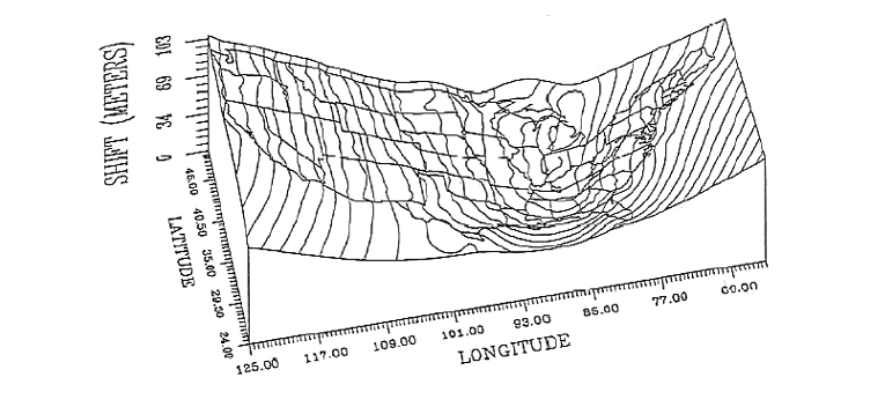
Many coordination failures are caused by file setup rather than field measurement. Confirm the drawing states the horizontal and vertical datums (and grid), and that at least one control point is shown with coordinates. Then overlay the topo with the measured building survey and any utilities drawing. If it aligns in one area but drifts or rotates elsewhere, suspect control issues. Also check units, layer usage, and Z values, mixed 2D and 3D geometry can create misleading results. If the origin is far from the project area or overlays wander, resolve packaging and coordinate setup before assuming a resurvey is required.
Why it Failed and What that Implies
Once the failure pattern is clear, the decision becomes practical: can the dataset be repaired, or is re-measurement the faster route?
Brief and scope gaps at appointment
Where the brief does not specify the required interfaces, such as thresholds, inverts, or access gradients, a surveyor may reasonably deliver a leaner scope. That can leave missing constraints at entrances, service yards, and drainage points. In this situation, the measured data may be sound where it exists, so targeted additions may be enough, provided the control and datum are correct.
Access constraints and unmanaged limitations
Obstructions and restricted access are common causes of missing data, parked vehicles, stored materials, vegetation, locked areas, or trading hours can block the very locations designers need. If those constraints were not planned and recorded, you inherit unknown risk. The usual remedy is a quick targeted revisit, but only after access is confirmed and the surveyor has a clear list of priority shots and interfaces to capture.
Method choice and QA gaps that create systematic errors
Some failures are systematic rather than localised. Using GNSS in unsuitable conditions (for example urban canyons or heavy tree cover), weak control networks, or limited on-site checks can introduce consistent offsets or height errors. When everything is biased in the same direction, patching small areas rarely helps. A full resurvey, built on robust control and basic QA checks, is often the quickest way back to a designable base.
Recovering the Programme Without Guessing
The aim is to restart design with verified information, not assumptions that will surface later as redesign.
Triage in 24–48 hours
Start by overlaying the topo with the architect’s survey and any utilities information, then redline gaps, offsets, and areas that do not coordinate. Request the surveyor’s control information, plus field notes and photos around entrances, thresholds, drainage points, and other critical interfaces. Run a surface or contour check to confirm whether breaklines are doing their job. Finally, prioritise the decisions currently blocked, usually drainage, access and thresholds, because those will dictate whether you can proceed with rework or need site returns.
If you need a rapid, impartial audit, we can review your CAD, scope and control notes within 24–48 hours and advise the minimum fix to unlock design.
Choose rework, targeted resurvey or full resurvey
Use a simple decision rule. If the measurement looks credible but the file is poorly packaged (layers, origin, missing metadata), rework may be enough and can be handled in the office. If the issue is specific gaps, such as thresholds, kerbs, or cover and invert levels, a targeted resurvey with confirmed access is usually the quickest fix. If the surface is incoherent, or control and level errors appear systematic, a full resurvey is typically more efficient than trying to design around unreliable data.
Lock down what is verified versus assumed
Where any inference is unavoidable, label it so it cannot be mistaken for surveyed fact. Differentiate verified points and lines from interpolated or assumed geometry. Add notes on known limitations, such as thresholds obstructed on the day or levels interpolated across inaccessible areas. Keep a short assumptions register and circulate it with the design team so residual risk stays visible.
Briefing the Next Survey so it is Design-ready
A clear brief reduces scope drift and avoids the common failure modes that make a topo hard to use.
Specification headings that prevent scope drift
Structure the brief around the essentials: survey extents and priorities (including entrances, service yards, and highway tie-ins), the interfaces required (FFLs and thresholds, kerb upstands, steps and ramps, cover levels and any agreed invert levels), and whether utilities and trees are required and how they should be supplied or overlaid. State accuracy expectations and the required control and datum. Confirm access arrangements and constraints (parking suspensions, opening hours, escorts), plus any methodology notes (total station or laser scanning where appropriate) and the QA checks expected. Close with an output checklist and deadlines.
For more on scope fundamentals, see our overview of topographic surveys and typical inclusions: https://survey2plan.co.uk/what-is-a-topographic-survey/
Deliverables and formats designers can use
Be explicit about what the design team needs. For CAD, request a DWG with 3D breaklines, consistent layering, and contours at intervals suitable for the design scale. For BIM, specify whether you need a clean topo surface or a Revit-ready export. Ask for accompanying information such as a control report, a coordinate and datum note, photos of critical interfaces, and a CSV of points where it will help the team validate tie-ins.
Time and cost drivers that affect the quotation
Quotations typically depend on access management (including parking suspensions and out-of-hours work), vegetation and obstructions, safety requirements and permits (highways, rail, industrial sites), the level of detail requested (such as invert levels, dense breaklines, or complex thresholds), and coordination with other surveys such as measured building or utilities.
If you’re budgeting, this guide on how much a topographic survey costs outlines the typical factors: https://survey2plan.co.uk/how-much-does-a-topographic-survey-cost/
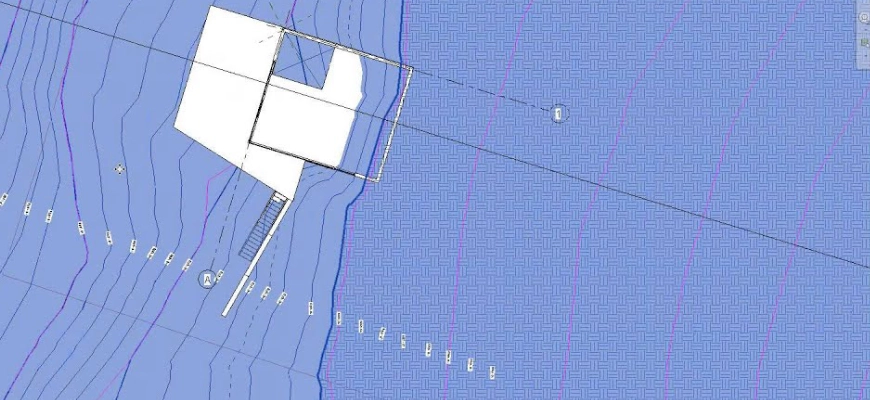
A design-grade topo keeps projects moving by giving the design team reliable levels, interfaces, and coordination from day one. If your current survey is blocking progress, or you are scoping a new one, share your location, building type, intended use, required outputs and timeframe. We will help you define the minimum scope needed to support design with confidence.
Conclusion:
A bad topo doesn’t just slow design down, it quietly erodes programme confidence until decisions stop altogether.
The warning signs are rarely subtle: surfaces that melt over kerbs, missing thresholds, drawings that won’t overlay. But the fix is usually more targeted than a full resurvey, provided you triage early, verify what you actually have, and brief the next scope with the interfaces designers genuinely need.
The investment in getting the survey right upfront is a fraction of the cost of reworking drainage layouts, access details, or threshold designs on the back of data you couldn’t trust from day one.